
Home/Blog/Authors
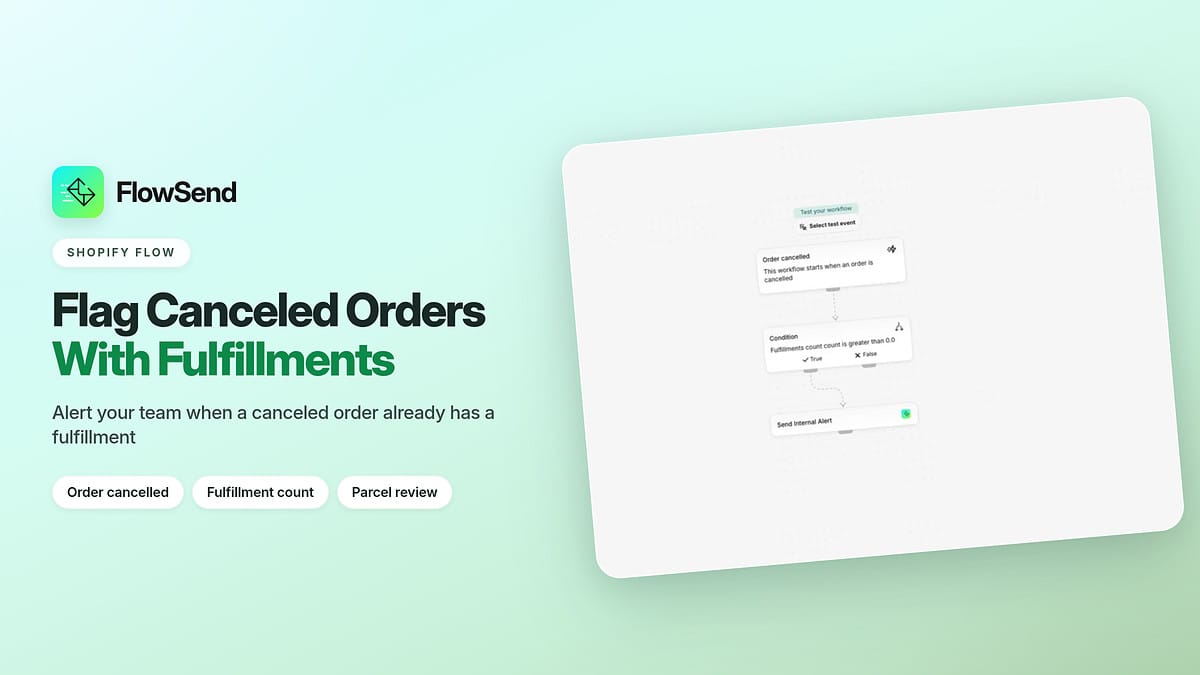
FlowSend banner titled Flag Canceled Orders With Fulfillments. On the right, a Flow canvas shows Order cancelled, a fulfillments count greater than zero, and FlowSend Send Internal Alert.
Automation · Nov 19, 2026 · 6 min

Flag Canceled Shopify Orders That Already Have Fulfillments

Use Shopify Flow, Sidekick, and FlowSend to alert your team when a canceled order already has fulfillment records, without changing parcels or issuing refunds.
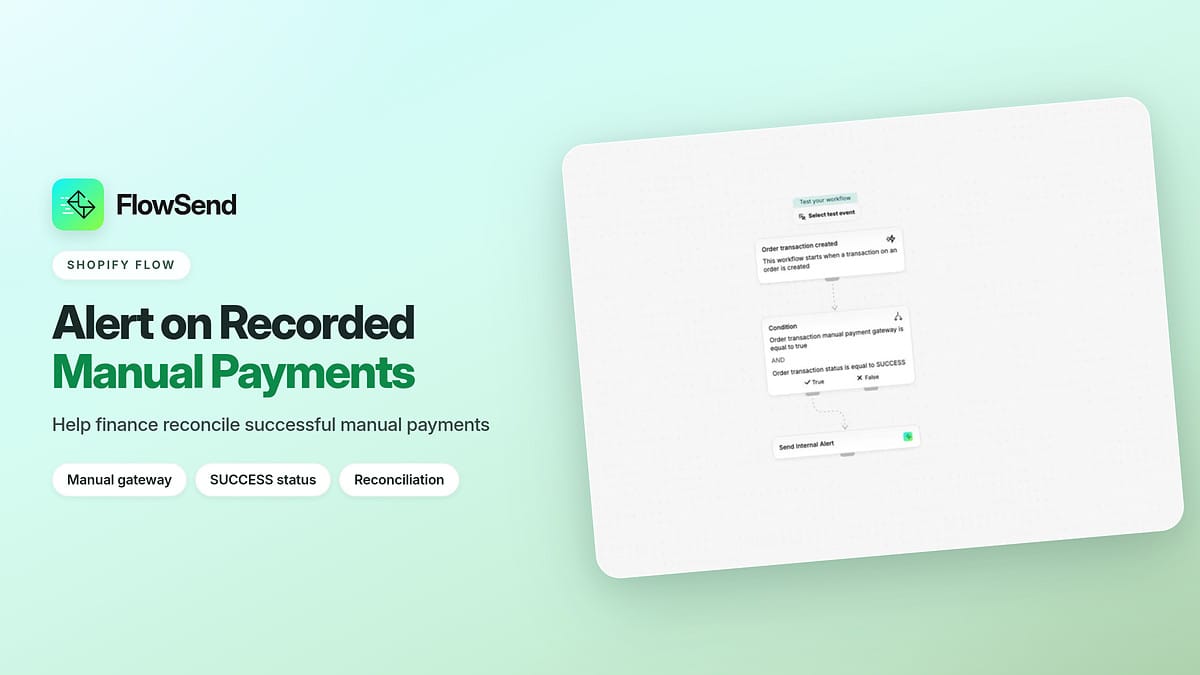
FlowSend banner titled Alert on Recorded Manual Payments. On the right, a Flow canvas shows Order transaction created, a manual payment SUCCESS condition, and FlowSend Send Internal Alert.
Automation · Nov 19, 2026 · 6 min

Get an Alert When a Manual Payment Is Recorded in Shopify

Use Shopify Flow, Sidekick, and FlowSend to alert finance when a successful manual payment is recorded, so your team can reconcile it against their records.
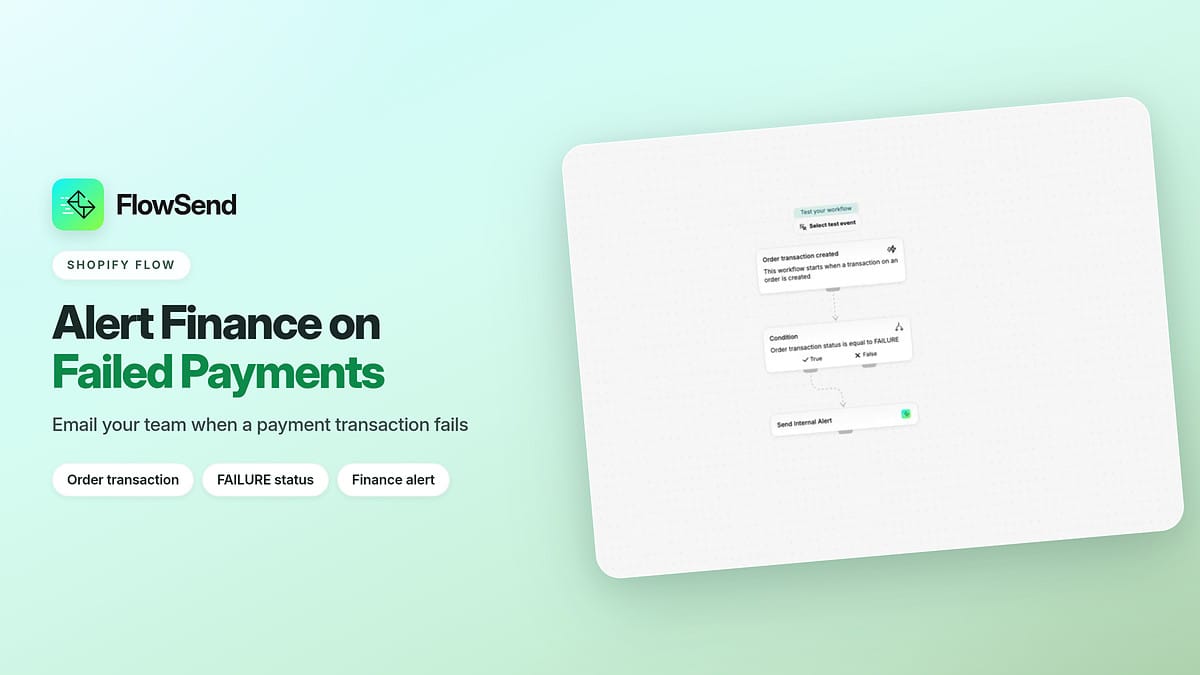
FlowSend banner titled Alert Finance on Failed Payments. On the right, a Flow canvas shows Order transaction created, a FAILURE status condition, and FlowSend Send Internal Alert.
Automation · Nov 19, 2026 · 6 min

Alert Finance When a Shopify Payment Transaction Fails

Use Shopify Flow, Sidekick, and FlowSend to email finance when a payment transaction fails, including the order ID, gateway, error code, and amount.
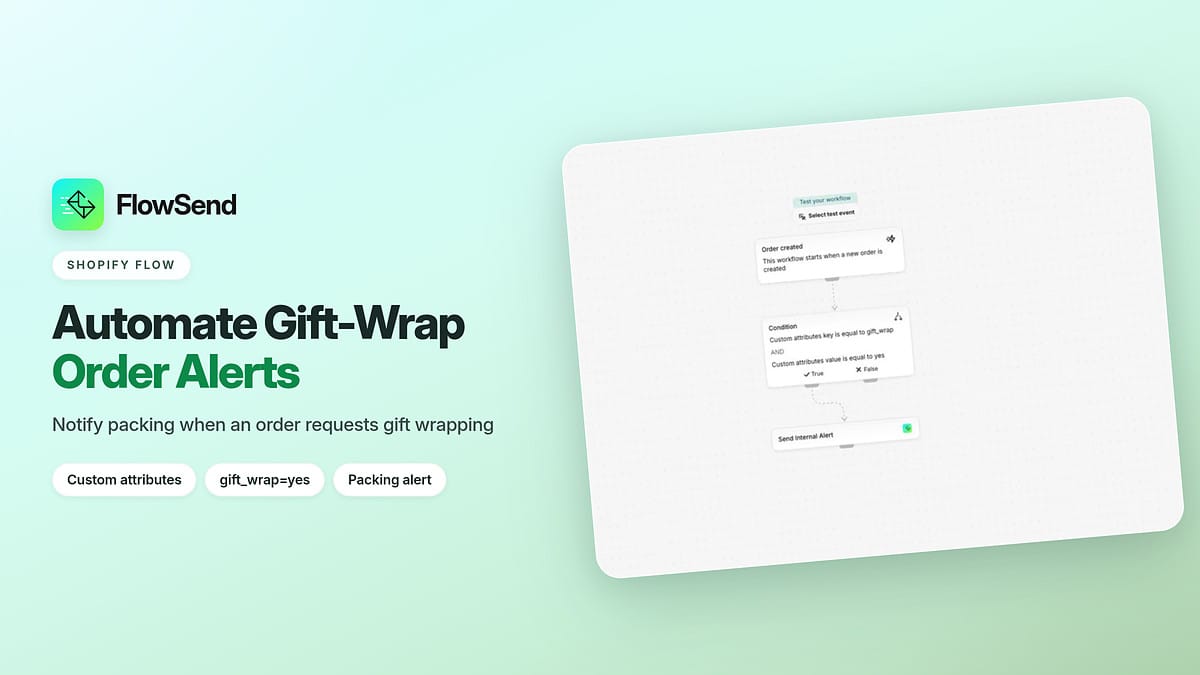
FlowSend banner titled Automate Gift-Wrap Order Alerts. On the right, a Flow canvas shows Order created, a gift_wrap equals yes condition, and FlowSend Send Internal Alert.
Automation · Nov 19, 2026 · 6 min

Automate Shopify Gift-Wrap Order Alerts

Use Shopify Flow, Sidekick, and FlowSend to alert your packing team when an order attribute is gift_wrap=yes, without building storefront gift wrapping.
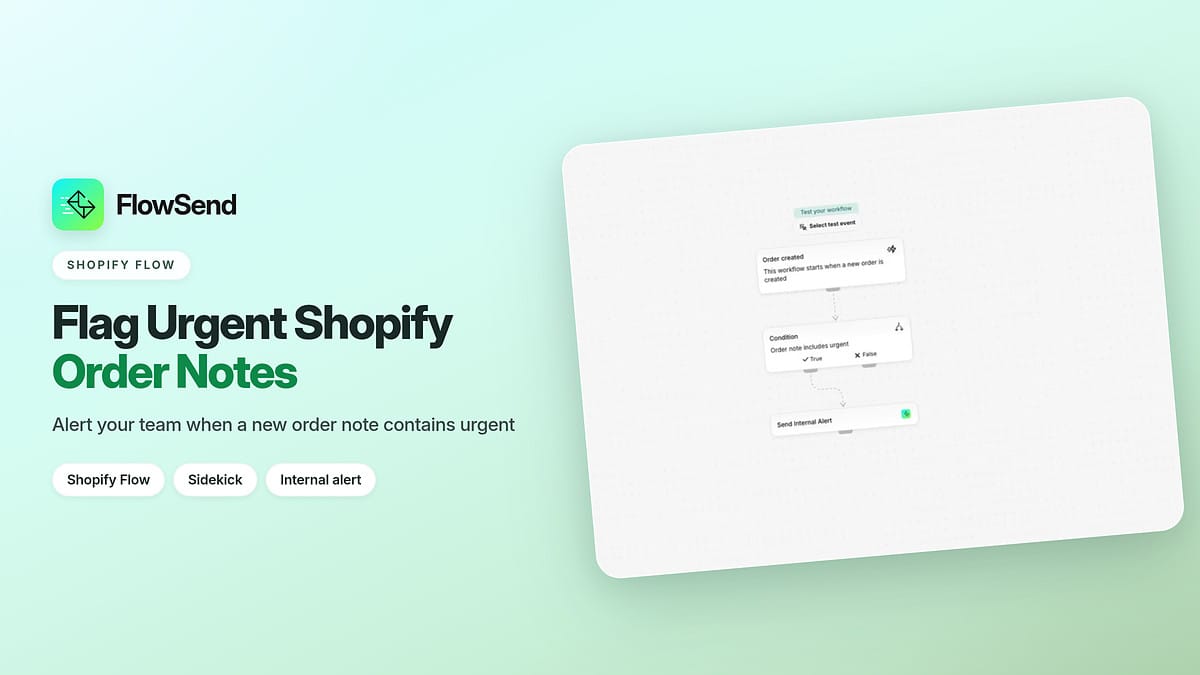
FlowSend banner titled Flag Urgent Shopify Order Notes. On the right, a Flow canvas shows Order created, a condition that the order note includes urgent, and FlowSend Send Internal Alert.
Automation · Nov 19, 2026 · 6 min

Automatically Flag Urgent Shopify Order Notes

Use Shopify Flow, Sidekick, and FlowSend to alert your team when an order note contains “urgent,” with case-insensitive matching and no customer emails.
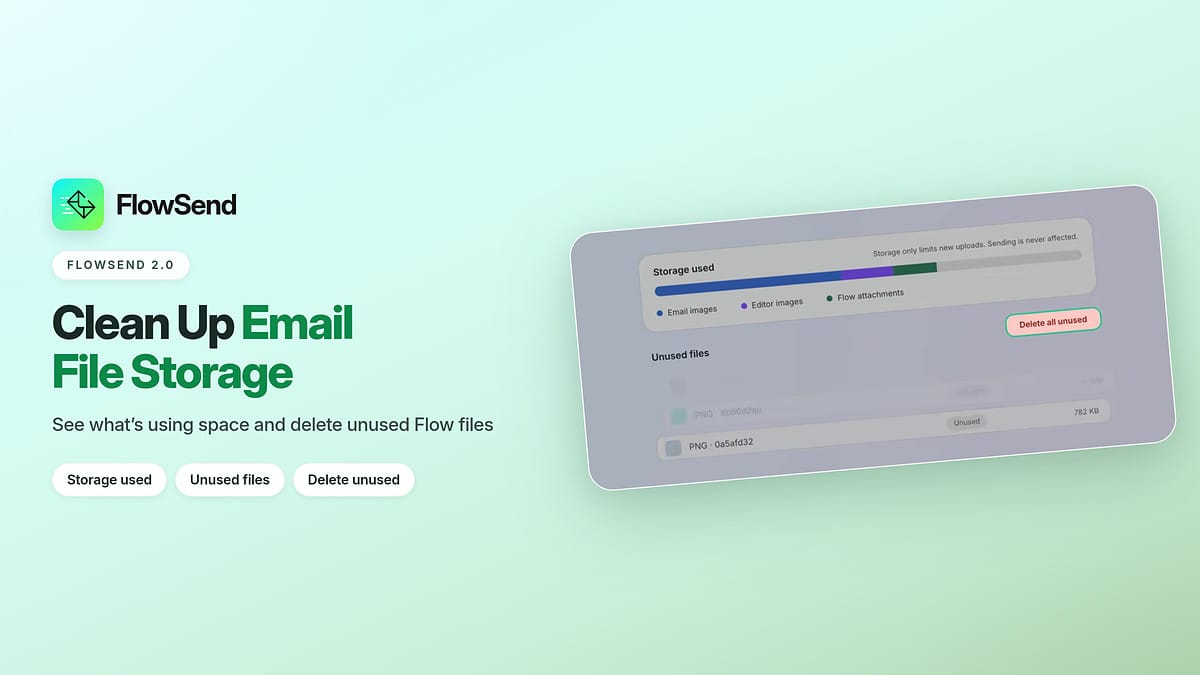
FlowSend 2.0 banner: Clean Up Email File Storage. A Storage used chart splits images and attachments, with an Unused files list and Delete all unused button.
Automation · Nov 19, 2026 · 6 min

See What's Using Your Shopify Email Storage

Review FlowSend 2.0 file storage for Shopify emails, see what uses space, and delete unused files. Storage limits new uploads; sending is never affected.
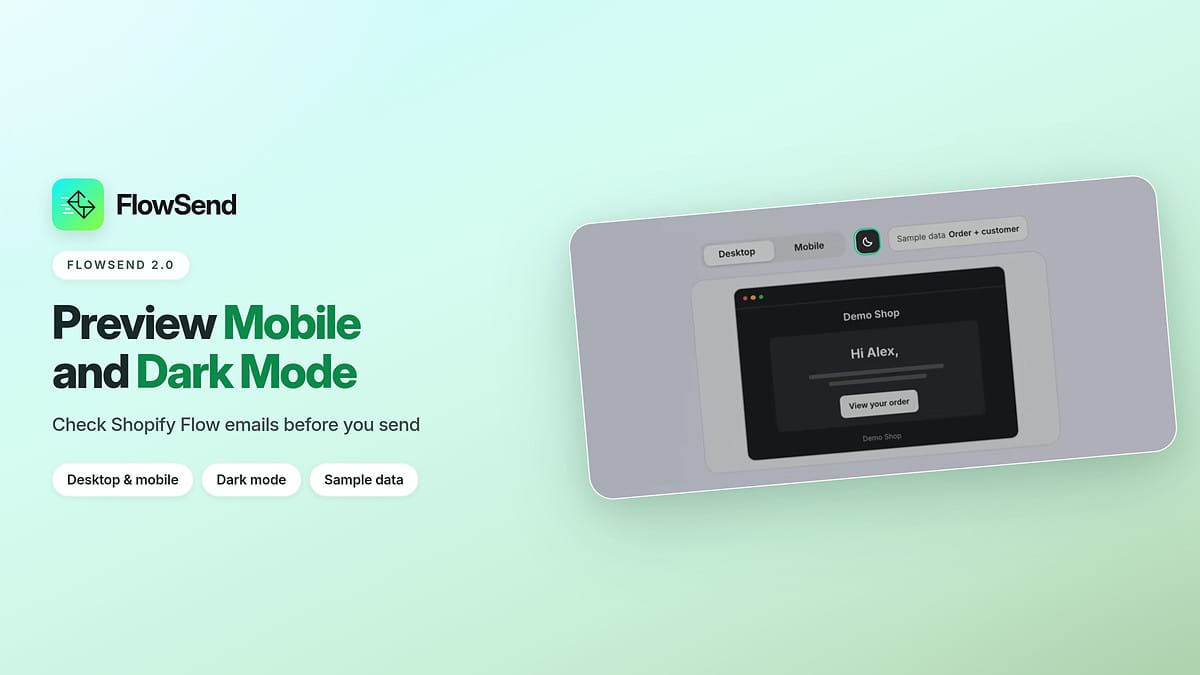
FlowSend 2.0 banner: Preview Mobile and Dark Mode. A FlowSend preview shows Desktop and Mobile toggles, a dark-mode control and a dark Demo Shop email.
Automation · Nov 19, 2026 · 6 min

Preview Shopify Emails on Mobile and in Dark Mode

Preview FlowSend 2.0 Shopify Flow emails on desktop and mobile, in dark mode, with sample data, subject, preheader, and checks before you activate.
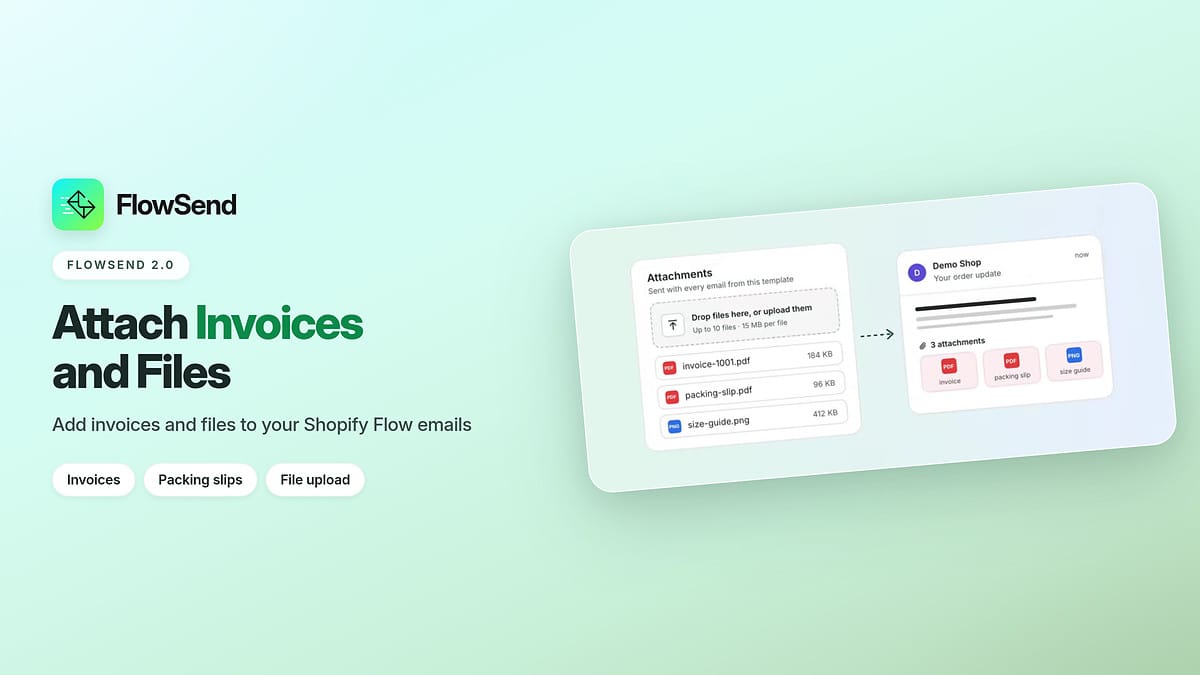
FlowSend 2.0 banner: Attach Invoices and Files. An Attachments panel lists an invoice PDF, packing slip and size guide beside an email preview.
Automation · Nov 19, 2026 · 6 min

Attach Invoices and Files to Shopify Emails

Attach invoices, packing slips, and other files to FlowSend 2.0 templates for Shopify Flow, with up to 10 files, 15 MB per file, and 20 MB per email.
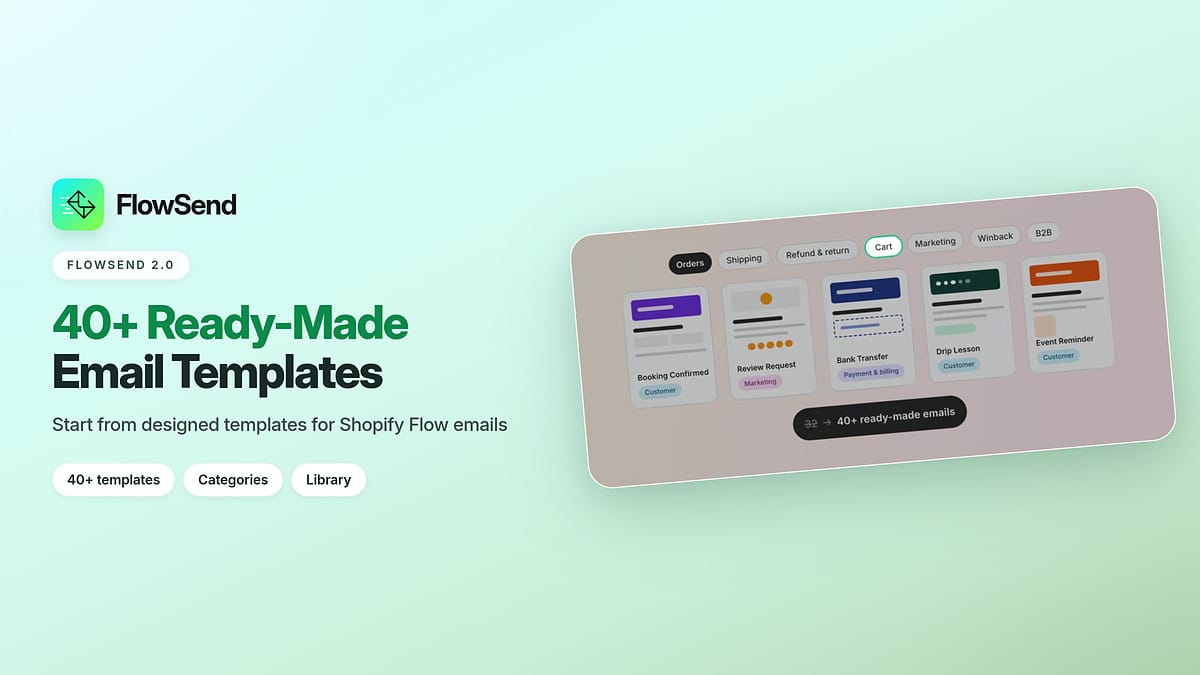
FlowSend 2.0 banner: 40+ Ready-Made Email Templates. The FlowSend Library shows category pills and template cards like Booking Confirmed and Review Request.
Automation · Nov 19, 2026 · 5 min

Use 40+ Ready-Made Templates for Shopify Emails

Browse FlowSend 2.0's Library of 40+ ready-made Shopify email templates, organized by Orders, Shipping, Refund, Cart, Marketing, Winback, and B2B.
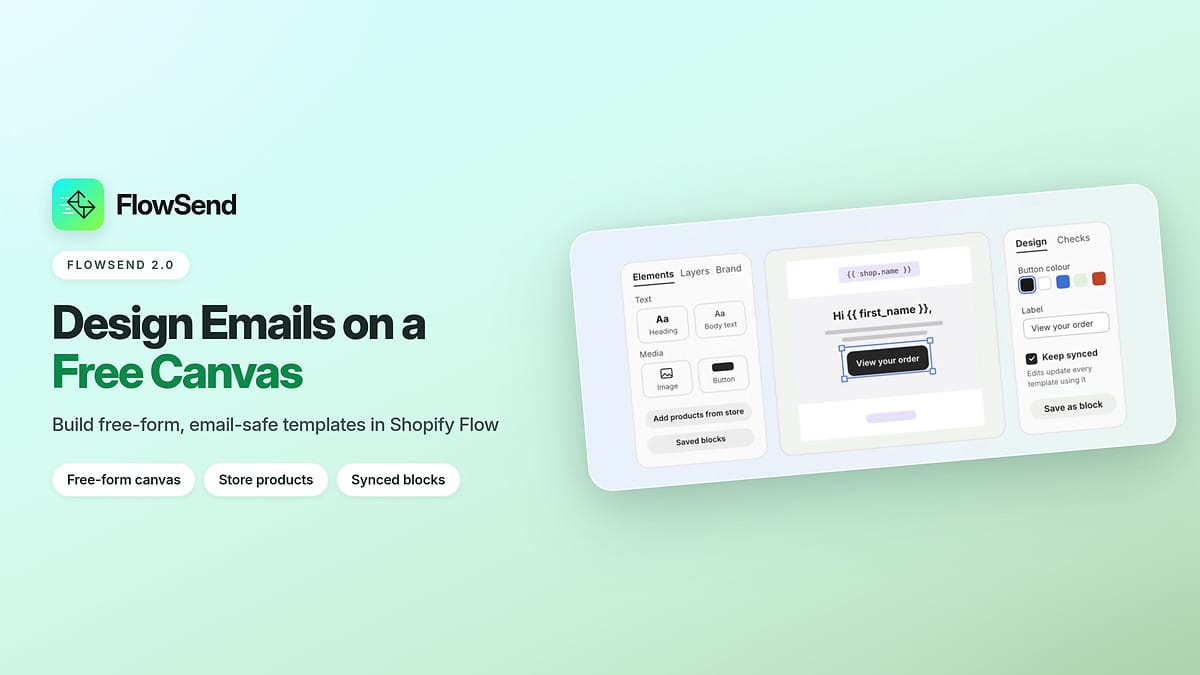
FlowSend 2.0 banner: Design Emails on a Free Canvas. The Rich editor shows Elements, a free-form canvas with a View your order button, and a Design panel.
Automation · Nov 19, 2026 · 6 min

Design Shopify Emails on a Free-Form Canvas

Use the FlowSend 2.0 Rich editor to design Shopify Flow emails on a free-form canvas, add store products, and reuse synced blocks as email-safe HTML.
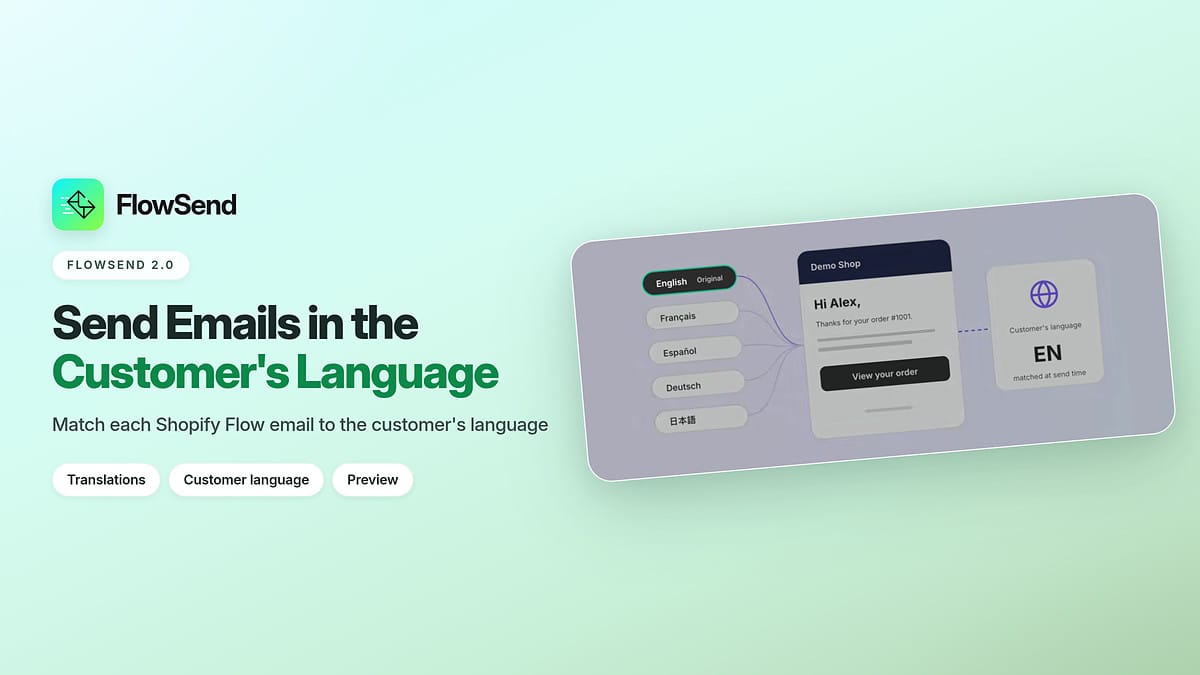
FlowSend 2.0 feature banner titled Send Emails in the Customer's Language. At right, language options feed a Demo Shop email, with the customer's language shown as EN, matched at send time.
Automation · Nov 19, 2026 · 6 min

Send Shopify Emails in Your Customer's Language

Turn on FlowSend 2.0 translations to send Shopify Flow emails in your customer's language, with fallback to the original and a preview before you send.
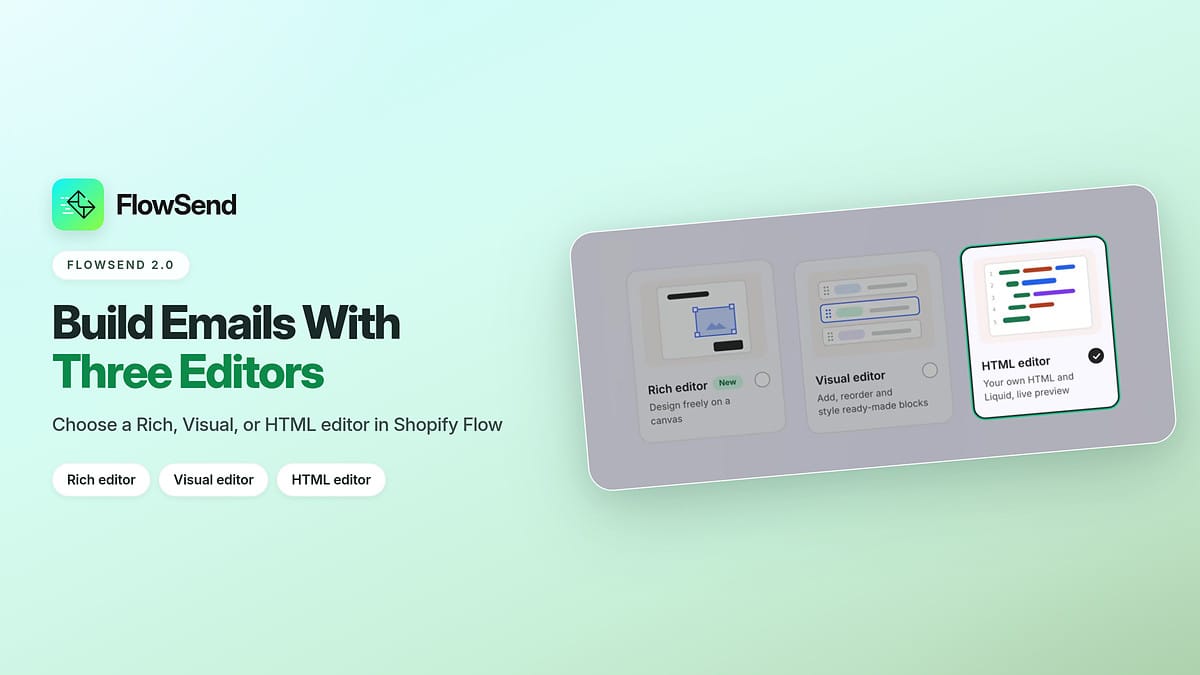
FlowSend 2.0 feature banner titled Build Emails With Three Editors. On the right, three editor cards show the Rich editor, Visual editor, and a selected HTML editor with live preview.
Automation · Nov 19, 2026 · 6 min

Build Shopify Emails With Rich, Visual or HTML Editors

FlowSend 2.0 gives Shopify Flow three email editors: a free-form Rich editor, a block-based Visual editor, and an HTML editor with live preview.