Most stores only find out an order email failed when the customer complains. Here's how to get an alert within seconds, and retry it without lifting a finger.
An order confirmation that never arrives is worse than one that's late. The customer thinks the order didn't go through, emails support, or orders again. And in most setups nobody at the store knows the email failed until that customer complains.
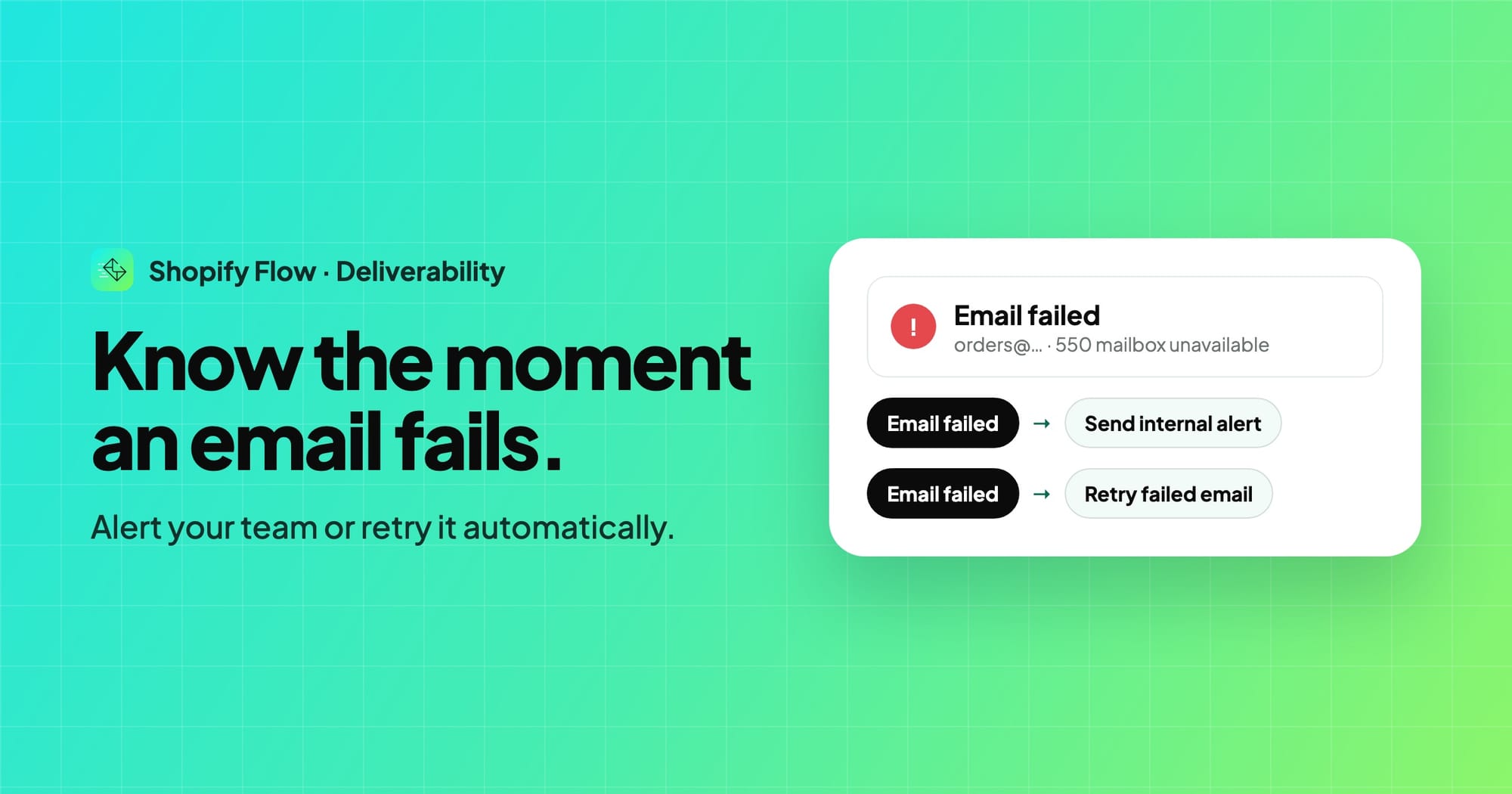
Shopify's own notifications don't tell you when a message fails. Most email apps show it somewhere in a log you never open. FlowSend does something different: when an email fails or bounces, it fires a Shopify Flow trigger, so you can react to it like any other store event.
The two triggers that matter
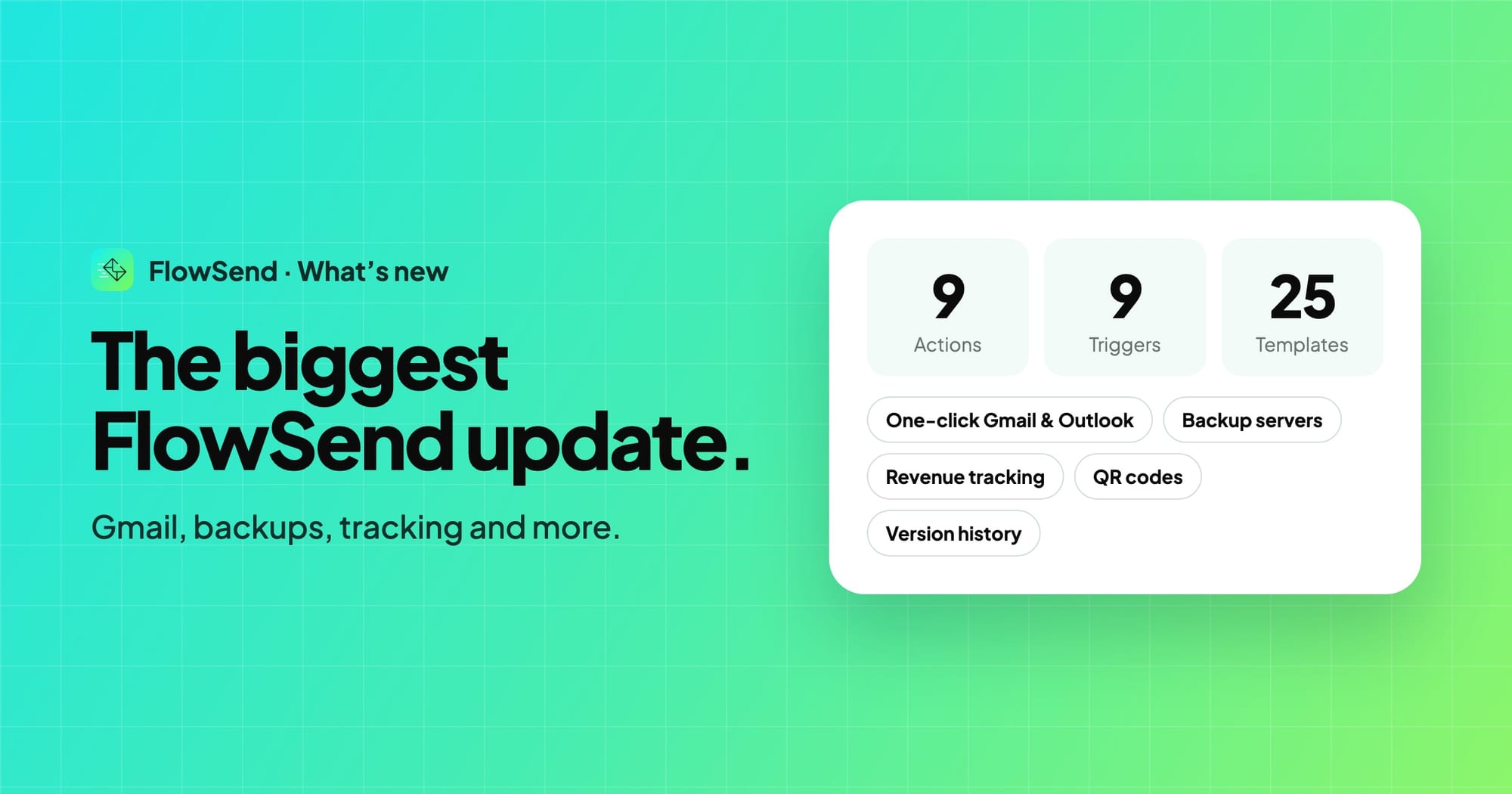
FlowSend adds 9 triggers to Shopify Flow. Two of them are built for exactly this:
| Trigger | When it fires |
|---|---|
| Email Failed | An email failed for good, after all automatic retries. |
| Email Bounced | The mail server accepted the email, but it bounced afterwards. |
Both give your workflow the recipient (to), the subject, the error message and the flowRunId, so your alert can say exactly what went wrong and to whom.
There's also Email Retry Scheduled (a temporary error, FlowSend will try again) and Attachment Fetch Failed (an attachment URL couldn't be downloaded), if you want to watch those too.
Workflow 1: alert your team
- In Shopify Flow, create a workflow and pick the Email Failed trigger from FlowSend.
- Add FlowSend's Send Internal Alert action.
- Write something like:
Subject: Email to {{ to }} failed
Body: "{{ subject }}" couldn't be delivered.
Error: {{ error }}
Check FlowSend › Logs to retry it.
Duplicate the workflow with the Email Bounced trigger, and you'll know about every undelivered message within seconds.
Prefer Slack? Use Flow's Slack action instead of an email alert. The trigger works the same way.
Workflow 2: retry automatically
Some failures are temporary: a provider hiccup, an expired password you've since fixed. FlowSend already retries temporary errors on its own, but you can add one more safety net:
- Trigger: Email Failed.
- Action: Retry Failed Email, which queues it for another delivery attempt.
There's a ready-made Flow template for this: search Shopify Flow templates for "Auto-retry failed emails" from FlowSend.
Tip: don't retry bounces in a loop. A bounce usually means the address is wrong, and retrying won't fix it.
Workflow 3: fix the customer record
A bounce usually means a typo in the address. Add a step that tags the customer (for example email-bounced) so your team can reach out by phone or fix the address on the next order.
Stop failures before they happen
Alerts tell you about problems. Two FlowSend features prevent most of them:
- Backup servers. Save a second mail connection and FlowSend fails over automatically if your main one goes down. How backup servers work →
- One-click Gmail and Outlook. Connecting with Google or Microsoft sign-in avoids the most common failure: an app password that stopped working.
Get started
The "Alert shop owner when email delivery fails" and "Auto-retry failed emails" templates are both in Shopify Flow. Install FlowSend, open Flow › Templates, search "FlowSend", and turn them on in a couple of clicks.