The best time to ask for a review is when the product has arrived and been used, not the moment the order is placed. Here's how to time it.
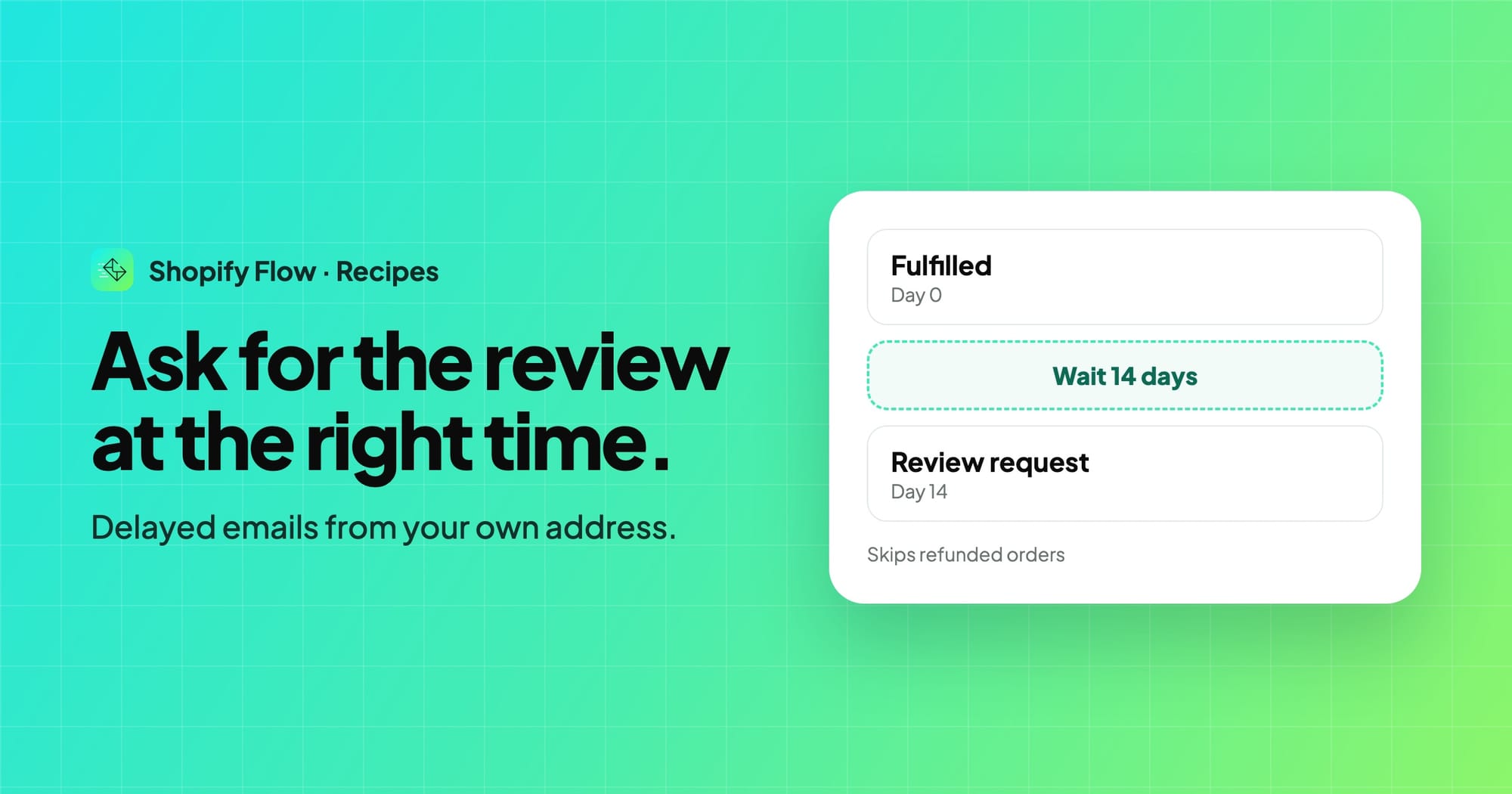
Ask for a review the day someone orders and you'll get silence: they haven't even received it yet. Ask two weeks after it ships, and they've unboxed it, used it and formed an opinion. Timing is most of the job.
FlowSend's Send Delayed Email action lets any Shopify Flow workflow send an email later instead of right away.
Recipe: review request 14 days after shipping
- Trigger: Fulfillment created.
- Action: FlowSend › Send Delayed Email.
- Delay: 20,160 minutes (14 days).
- Email: a short, personal ask with one button to your review page.
Because the email comes from your own address, customers who reply with a problem reach a real inbox, not a no-reply.
Prefer not to build it? Search Shopify Flow templates for "Post-delivery review request (14 days)" from FlowSend.
Skipping refunded orders
You don't want to ask someone who just returned the product for a five-star review. Shopify Flow has a clean way to handle that:
- Trigger: Order created (or Fulfillment created).
- Wait step, for example 14 days.
- Condition: the order is not refunded.
- Action: FlowSend › Send Transactional Email.
The ready-made "Cancel follow-up email if order is refunded" template is built exactly like this.
Need to stop one specific scheduled email? The Cancel Delayed Email action cancels it using its Flow Run ID, which you'll find in FlowSend's logs.
More timed emails worth sending
| When | Template | |
|---|---|---|
| 24 hours after order | Care or how-to-use tips | 24-hour order care tips |
| A few days after purchase | Personal follow-up | Follow-up after purchase |
| 48 hours after a draft order | Payment reminder | Draft order payment reminder |
| 14 days after fulfillment | Review request | Post-delivery review request |
See what works
With FlowSend's click and revenue tracking, you can compare these emails in Template performance and see which timing gets the most clicks.
See the review request recipe → · All FlowSend Flow actions →